Subscription Limits and Free Trial Expiry
TalentRanx includes a free trial and plan-based limits to help you explore the platform. Here’s what happens when you reach those limits.
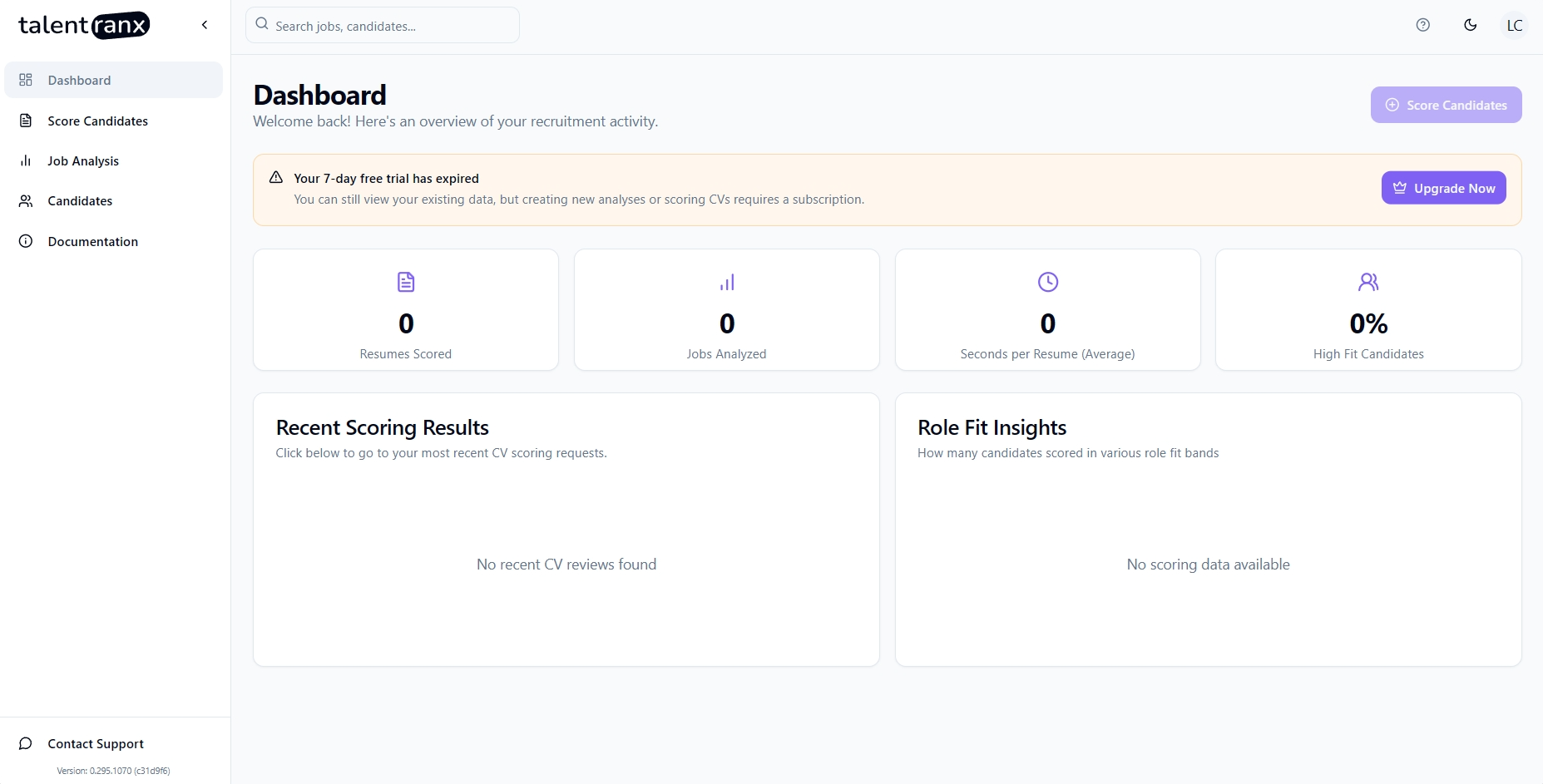
What Triggers the Limit
- End of Free Trial: When your trial period expires.
- Resume/Job Limits: When you reach the maximum number of resumes scored or jobs analysed under your plan.
What You’ll See
- A “Limit Reached” banner will appear on your Dashboard.
- If available, the banner includes an Upgrade Plan button to unlock additional capacity.
What Changes in the App
When limits are reached, the app switches to read-only mode:
- You can continue to view your existing data.
- Buttons for creating new resume scoring sessions, jobs, or job requirements are disabled.
- All buttons to delete content are also disabled.
- These features reactivate after you upgrade your plan, or automatically at the next billing cycle (for subscriptions only - this doesn't apply to the free trial).
Note: It is not possible to delete resume scoring sessions or job analyses to avoid hitting limits.
Managing Your Data
From your Profile page (click your initials or profile image in the top right):
- Download Data: Export all of your data in a ZIP file containing multiple CSVs.
- Delete Account: Permanently delete your account and all associated data.
Tips
- Upgrading mid-cycle immediately unlocks new capacity.
- Exporting your data before upgrading ensures you have an offline copy for records.