Navigating the user interface
Talentranx uses a consistent sidebar and header across its recruitment workflow.
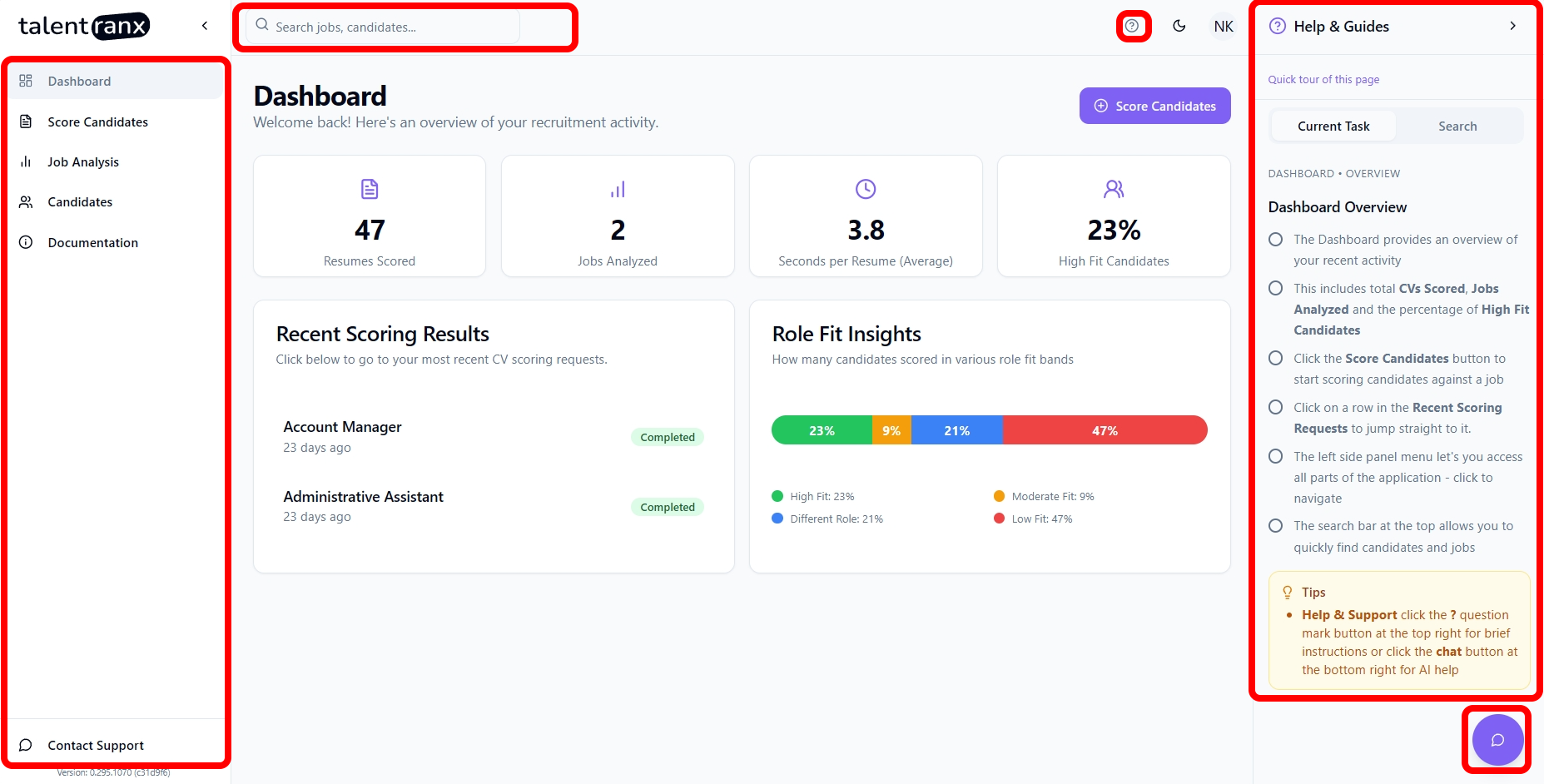
Sidebar
The sidebar provides access to:
- Dashboard: recruitment overview, recent results, and role-fit insights.
- Score Candidates: create and manage candidate-scoring reviews.
- Job Analysis: create, review, and reuse job analyses.
- Candidates: see candidates and their assessment history across completed reviews.
- Documentation: open this documentation site.
- Settings: manage candidate rating rules and organisation membership.
Use Collapse sidebar to create more room for tables and assessment detail. The lower sidebar includes Contact Support, which opens an in-app form for contacting the Talentranx team.
Header
The header includes:
- A search field for jobs, reviews, candidates, and files.
- Help, which provides guidance relevant to the current page.
- A light/dark display-mode toggle.
- The account menu, which shows the signed-in account, lets you switch organisations when applicable, and provides sign-out.
Common patterns
- Table rows open their related job, review, candidate, or assessment.
- Rows per page controls how many table entries are shown.
- Results pages warn that AI can make mistakes; review generated output before using it in a hiring decision.