Accessing the account menu
The account menu in the header shows your login initials, or your profile photo when you sign in with Google. Select Profile to view your account information and organisation access.
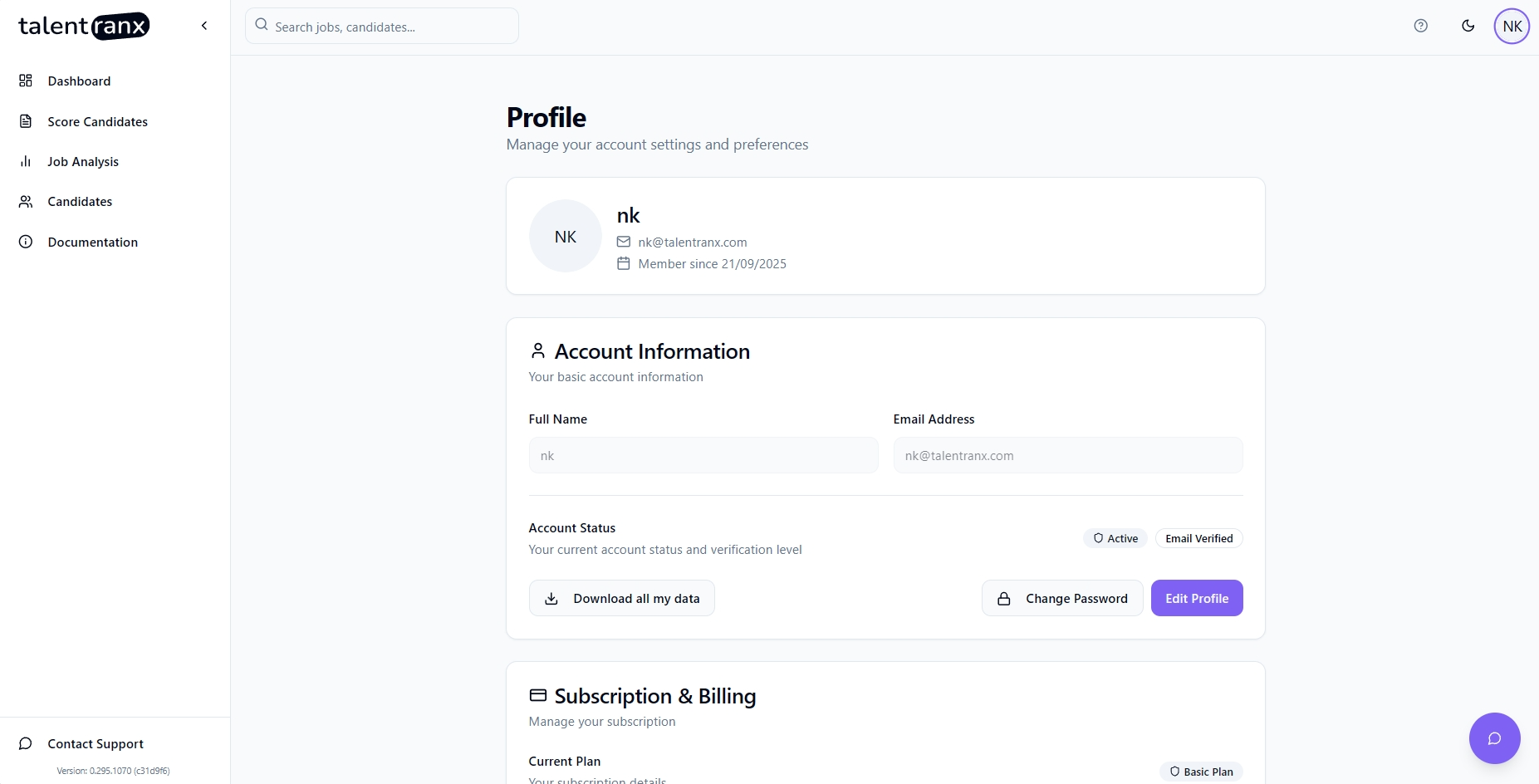
Switch organisations
If you belong to more than one organisation, select the organisation switcher in the account menu and choose the organisation you want to use. Talentranx then shows that organisation's dashboard, jobs, reviews, candidates, rating rules, and assessment allowance.
Export organisation data
Select Download organisation data to export the organisation's scoring data, candidate records, and settings. Original CV files and raw temporary text are excluded from this export.
Delete your account
Select Delete account from your profile when you no longer need your Talentranx account. Deleting an account removes its associated account data.
An owner must transfer ownership before deleting their account if they are the final owner of an organisation. A member can leave an organisation from Settings → Organisation without deleting their account.