Navigating the Dashboard
The Dashboard is the landing page after sign-in and provides an overview of recruitment activity.
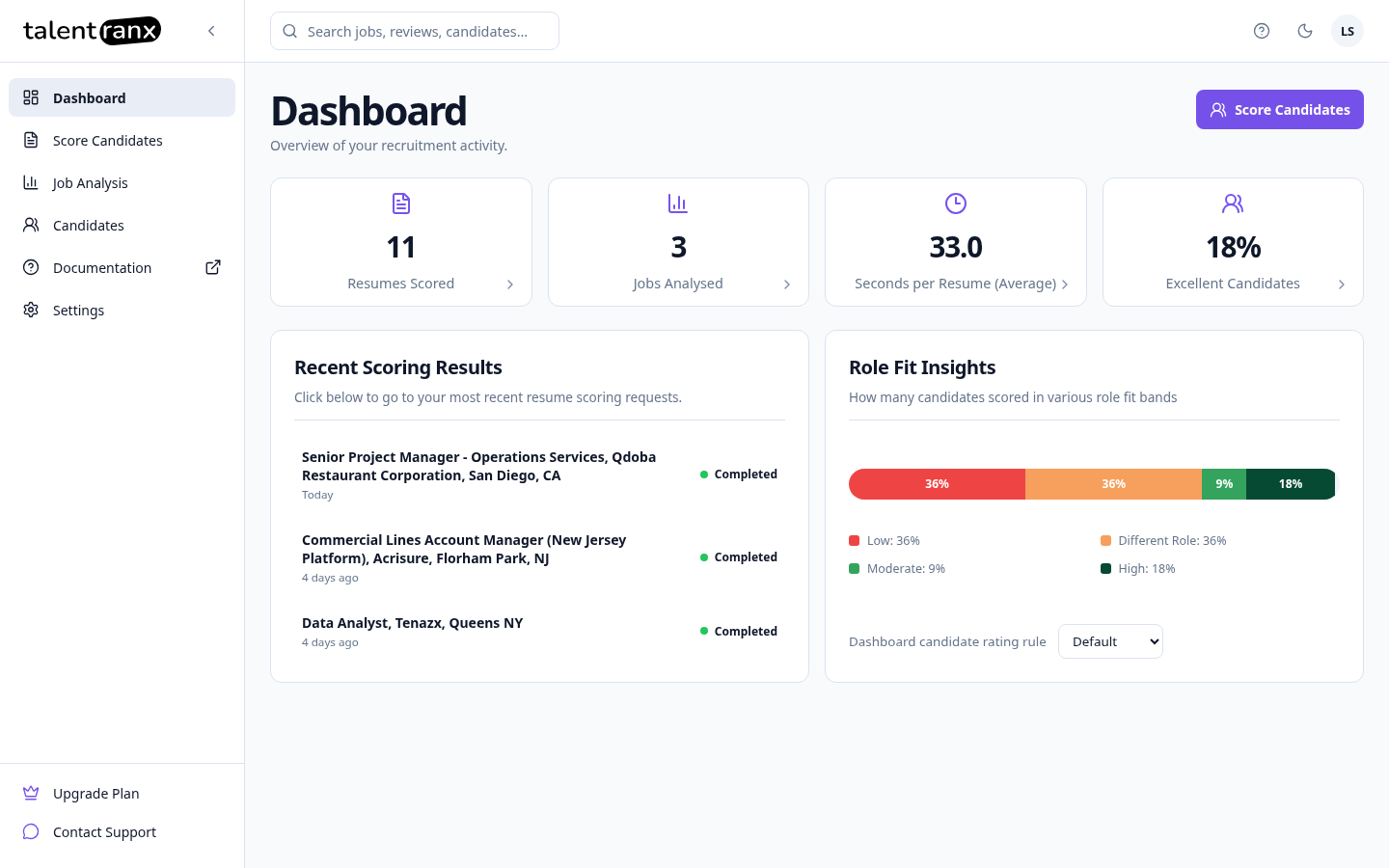
Key metrics
The metric cards show:
- Resumes Scored: The total number of candidate resumes that have completed scoring in your organisation.
- Jobs Analysed: The number of job ads or descriptions that Talentranx has analysed into structured requirements for candidate assessment.
- Seconds per Resume (Average): The average time Talentranx took to score each completed resume.
- Excellent Candidates: The percentage of completed candidate assessments placed in the highest band of the selected candidate rating rule.
Select a metric card to view its related detail.
Recent scoring results
This panel shows your most recent candidate-scoring reviews. Select a review to see its ranked candidates, scores, role fit, and supporting assessment results.
Before you create a review, this panel displays an empty state. Completed reviews appear here automatically after scoring.
Role-fit insights
This panel shows how completed candidates are distributed across the role-fit bands in the selected candidate rating rule, such as Limited, Potential, Strong, and Excellent.
If your organisation uses more than one candidate rating rule, use the Dashboard candidate rating rule selector to view results against a different rule.
Start scoring
Select Score Candidates at the top right of the Dashboard to create a new scoring review.
Search and display mode
Use the top search field to search jobs, reviews, candidates, and files. Use the display-mode button in the header to switch between light and dark mode.