Managing Candidates
The Candidates page brings together candidates from completed reviews across your organisation.
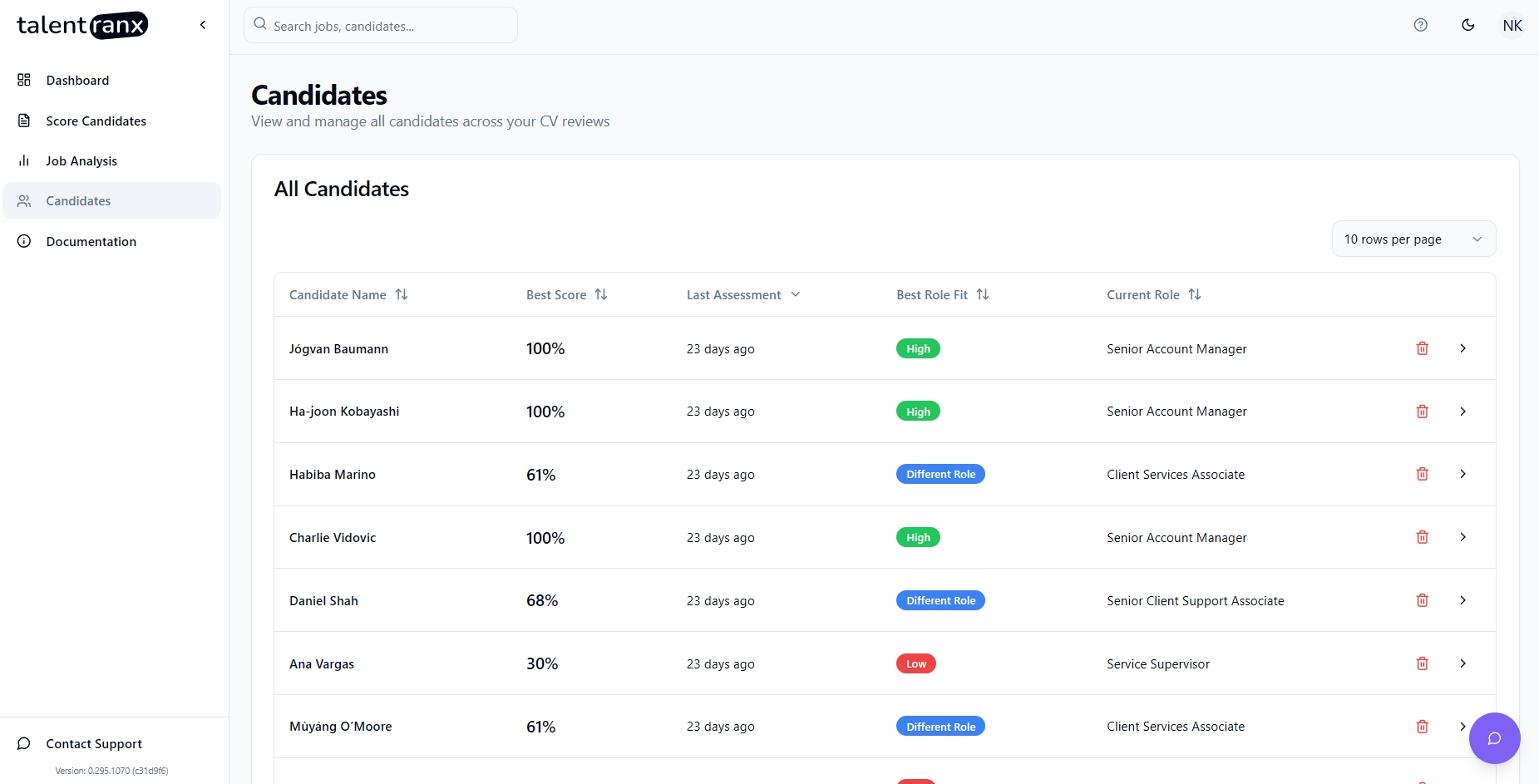
View candidates
- Select Candidates in the sidebar.
- Review each candidate’s Best score, Last review, Best role fit, and Current role.
- Select a candidate row to open their profile.
The candidate profile shows their contact details and Assessment history. Each history entry shows the job, review, score, assessment date, and role fit. Select an entry or its open control to view the full assessment.
What appears here
Only completed candidate assessments appear in the organisation-wide list. Candidates with multiple completed reviews have a single profile with multiple assessment-history entries.
Start another review
Use Score Candidates from this page to create a new review. Candidate data is added to this list when its assessment completes.