Contact Support
Select Contact Support at the bottom of the sidebar to open the in-app support form.
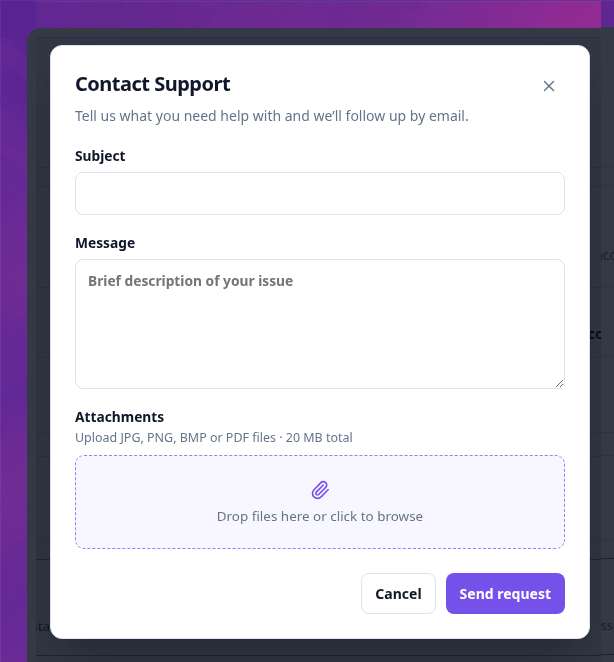
- Enter a short Subject that identifies the issue or question.
- Describe the issue in Message, including the relevant job, review, or candidate where appropriate.
- Optionally add supporting JPG, PNG, BMP, or PDF files.
- Select Send.
Attachments are optional. Their combined size must not exceed 20 MB.
Talentranx sends the request to the support team, who follow up by email. Do not include information that is unnecessary for resolving the issue.